Chapter 6 — WorkBuddy Experts & Expert Teams
How Experts and Expert Teams Differ from Skills
WorkBuddy itself is a general Agent that can take any task. But "general" doesn't mean every domain should be handled the same way.
For example, given the same sales-data analysis, a plain Agent might read the data, make charts and summarize trends. A data-analysis expert will first understand the business goal, then define core metrics, check data quality, look for anomalies, analyze likely causes, and finally give actionable business recommendations.
Given the same Xiaohongshu (RED) copywriting task, a plain Agent focuses on the content itself. A Xiaohongshu operations expert also considers topic selection, headline, opening retention, seeding logic, the platform's content ecosystem and engagement design.
An expert is defined as a role-switching mechanism — through persona, methodology and a tool chain, it makes WorkBuddy execute tasks as a domain-specific expert.
The simplest way to understand it:
Plain WorkBuddy = general-purpose AI colleague
Expert = AI colleague with a clear role and professional experience
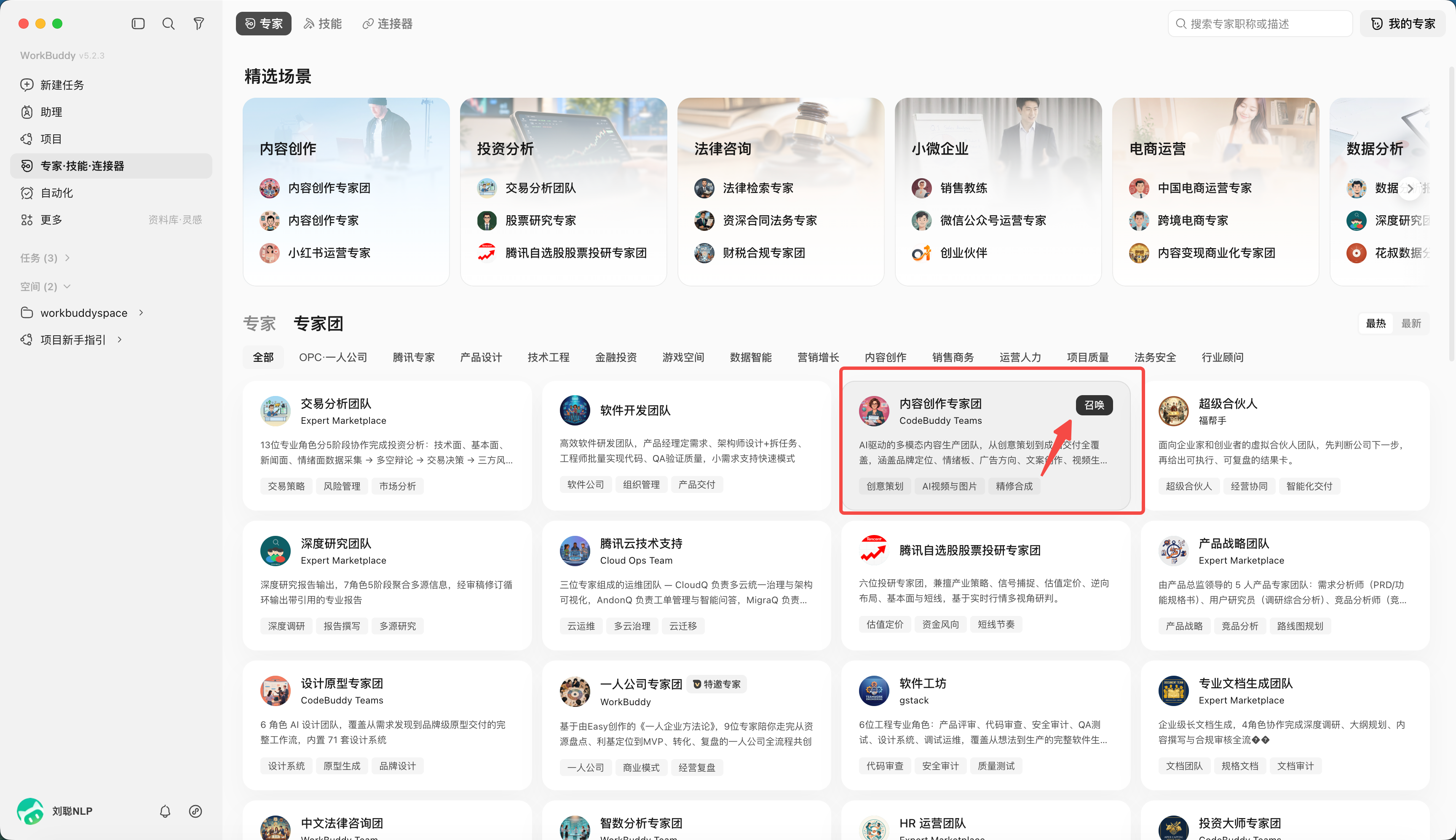
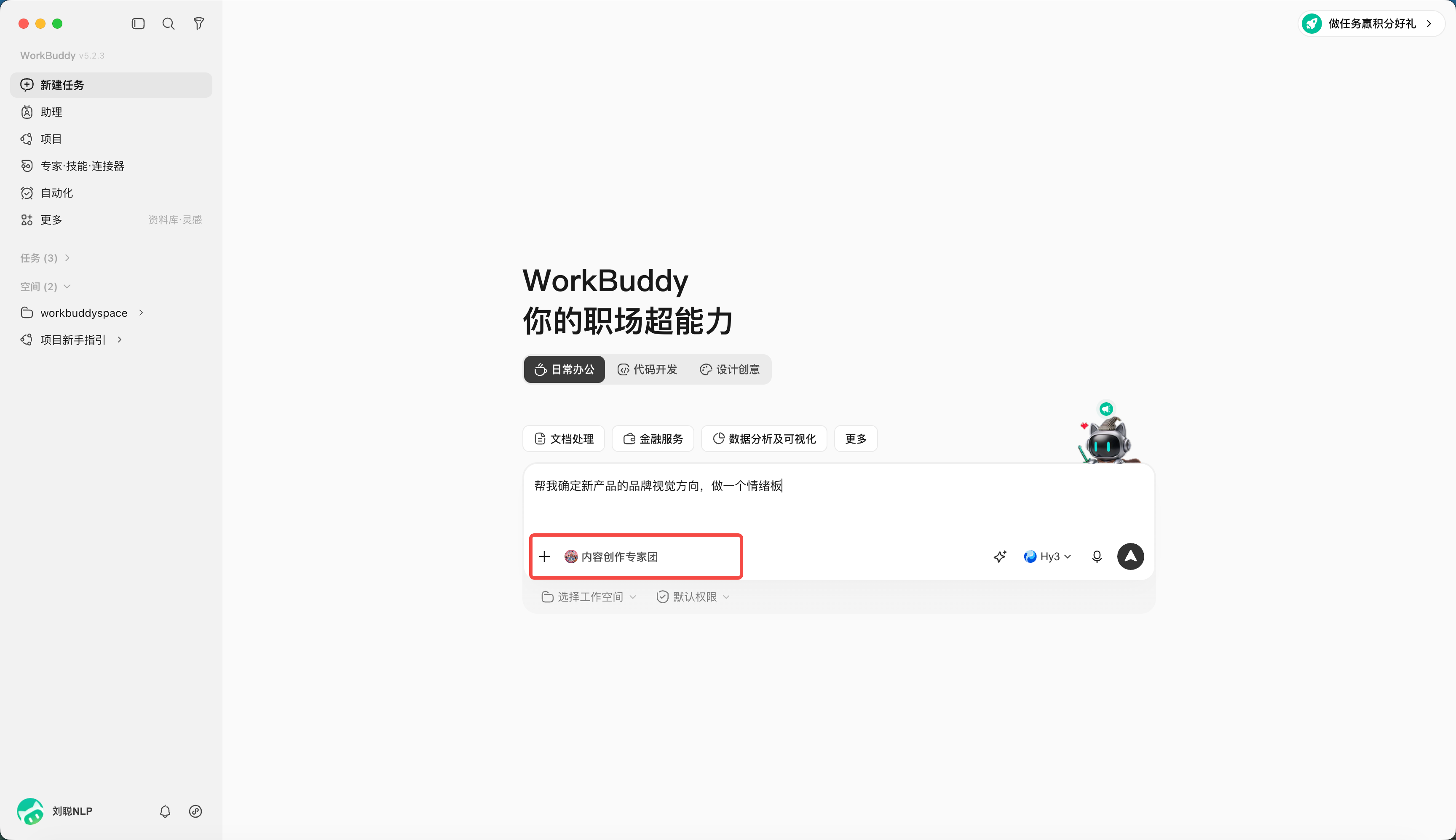
An expert team is a collaborative execution mechanism. A team is made of several experts; a team lead automatically breaks down the task, assigns work, runs in parallel, and finally integrates the delivery.
You only need to tell the lead the client background, latest needs and expected outcome — you don't pick members yourself or split the task yourself. The lead arranges content, campaigns, analysis and other members to collaborate, then assembles the complete plan.
| Approach | Essence | Suited problems |
|---|---|---|
| Plain task | General understanding & execution | One-off clear tasks |
| Skill | A specific tool capability | Need to stably execute one action |
| Expert | Persona + methodology + tool chain | Single-point professional problems in a clear domain |
| Expert team | Several experts + collaboration flow | Complex projects needing breakdown, parallel work and integration |
Summon an Expert
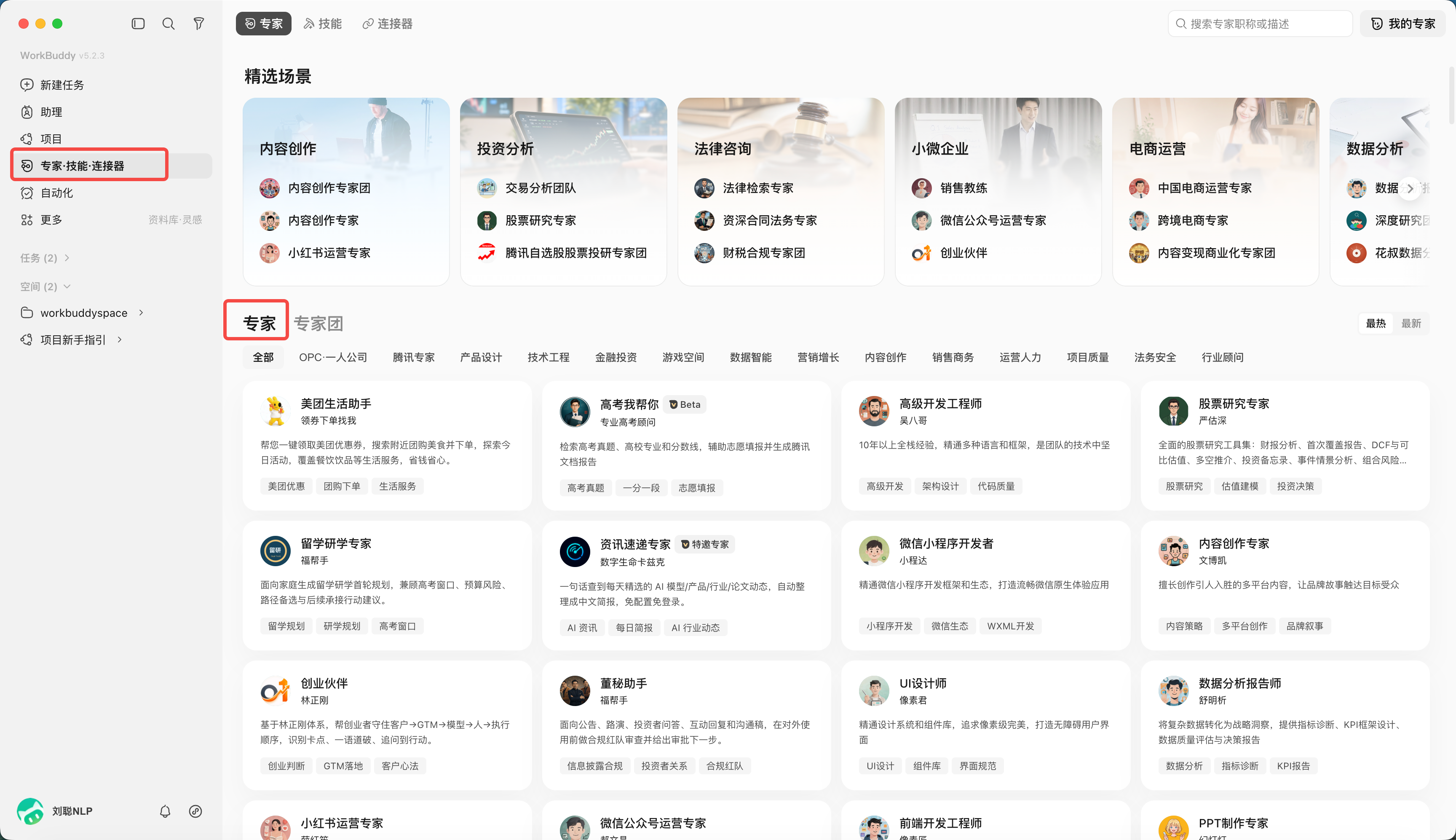
- Open "Experts · Skills · Connectors" and pick "Experts";
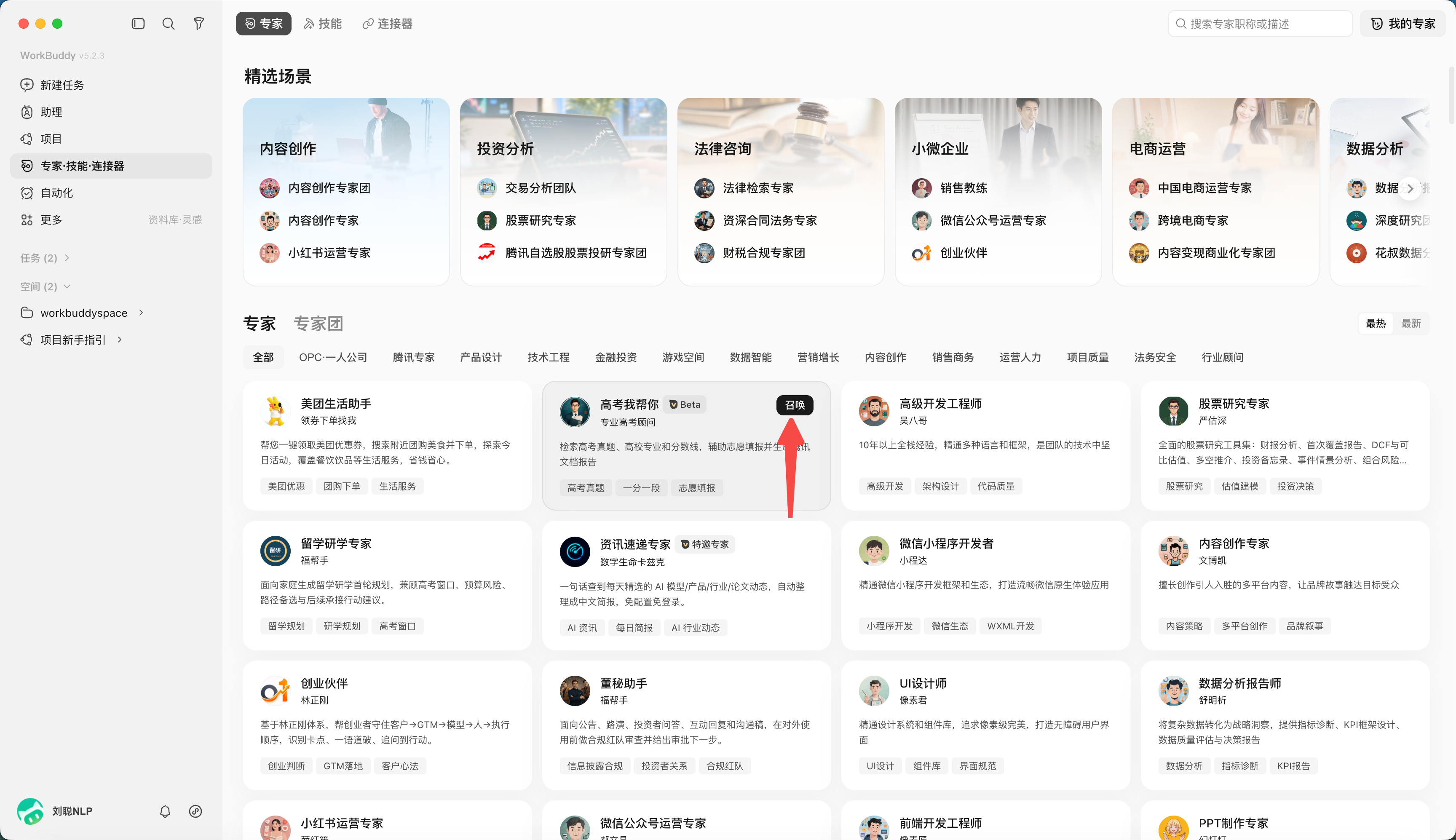
- Click "Summon Expert"; take the "Gaokao Help" expert as an example.
- Provide the task, e.g. "Find the 2026 Gaokao math real-exam questions for me."
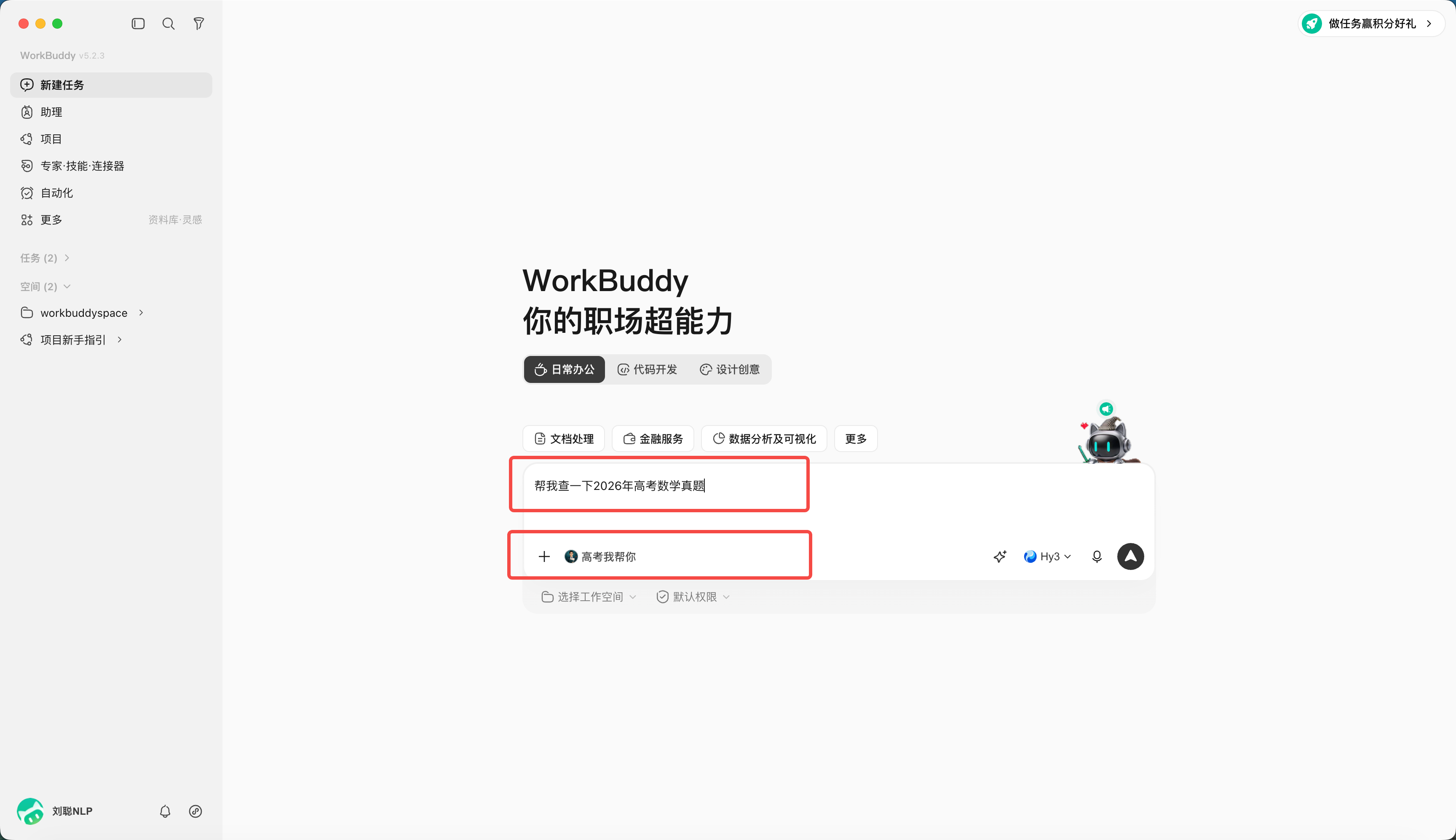
- Wait for the result.
Create an Expert
Click "My Experts", then "Create Expert".
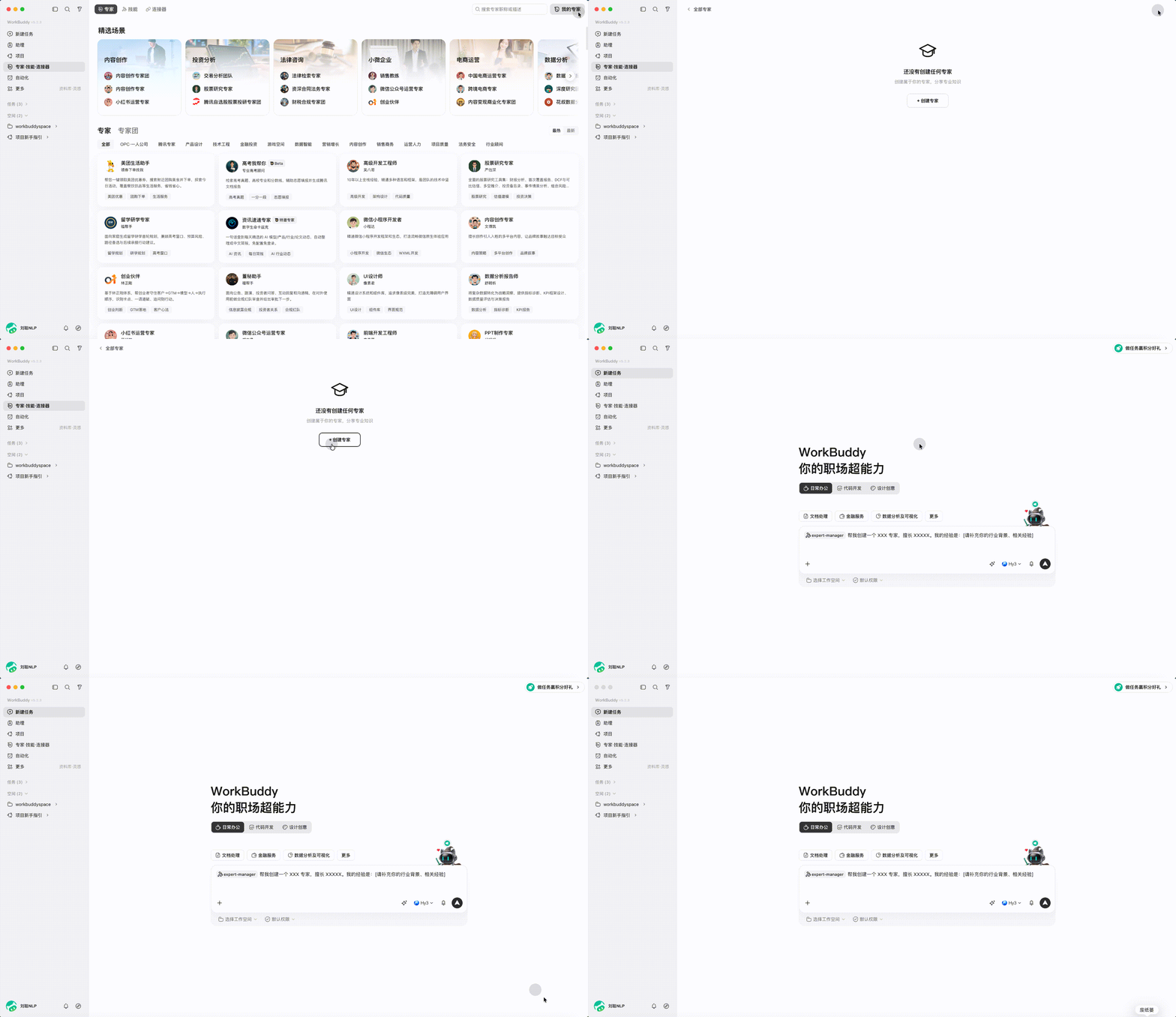
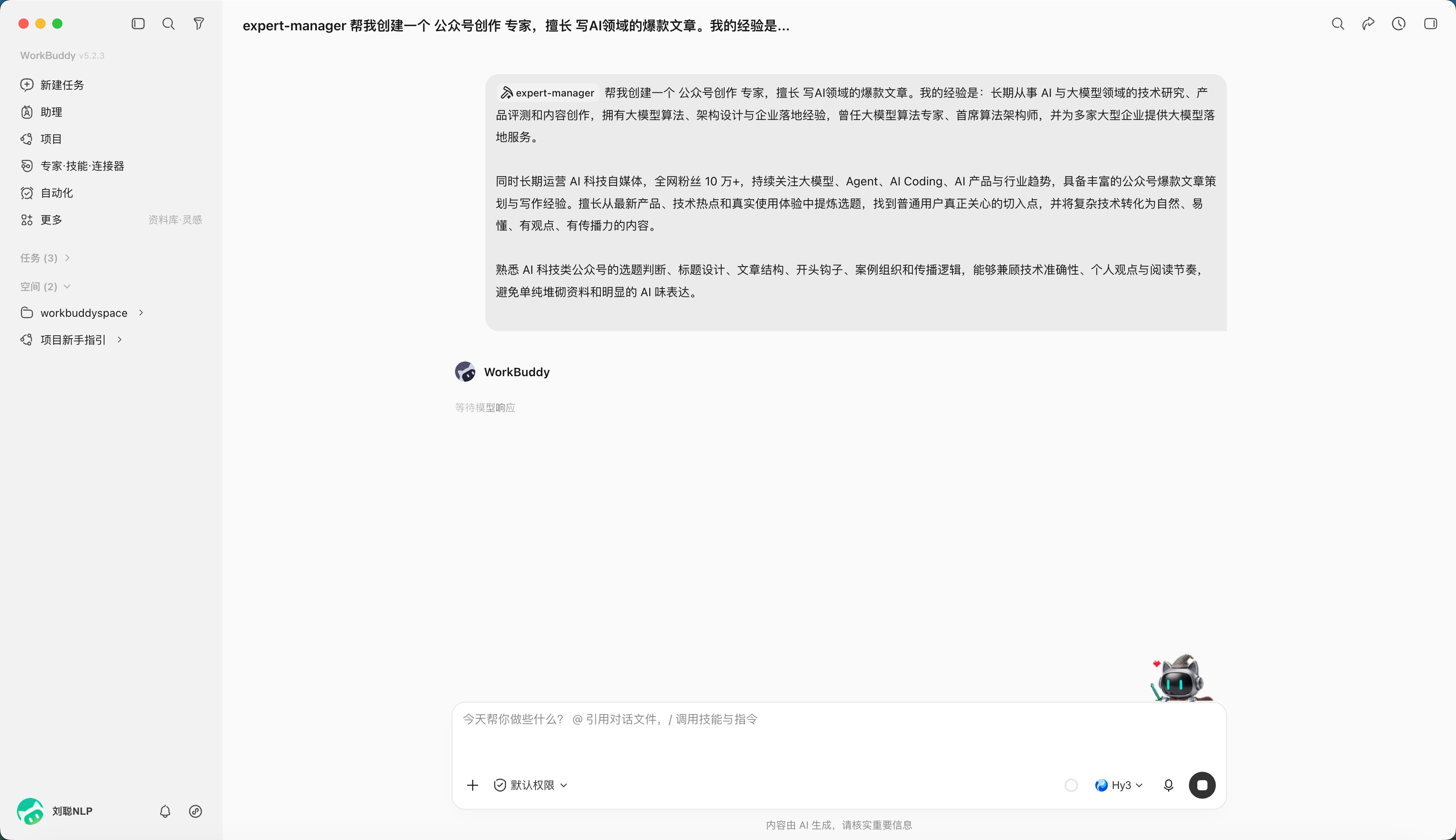
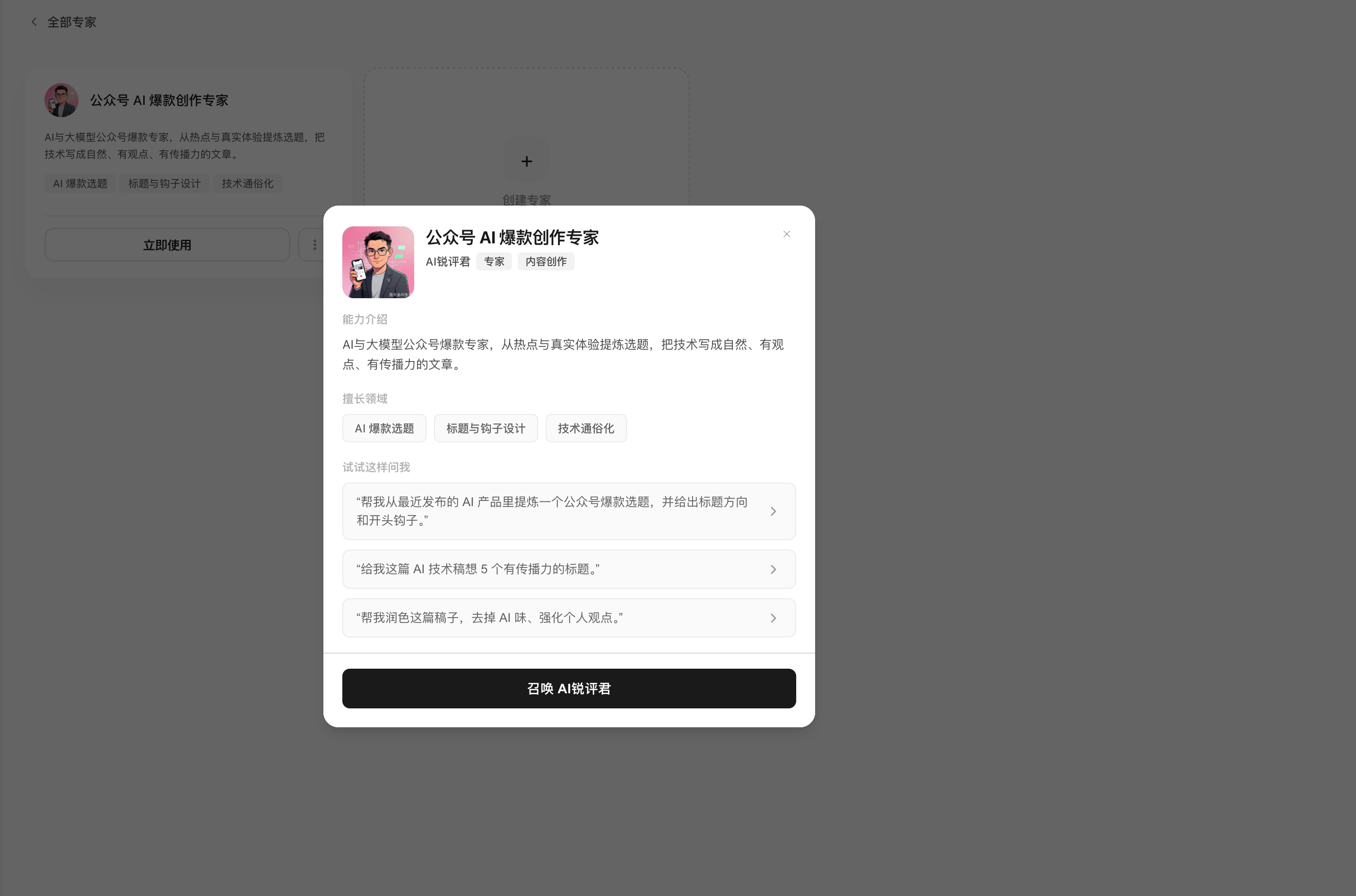
For example, create a WeChat-article writing expert.
When generation finishes, you can test it.
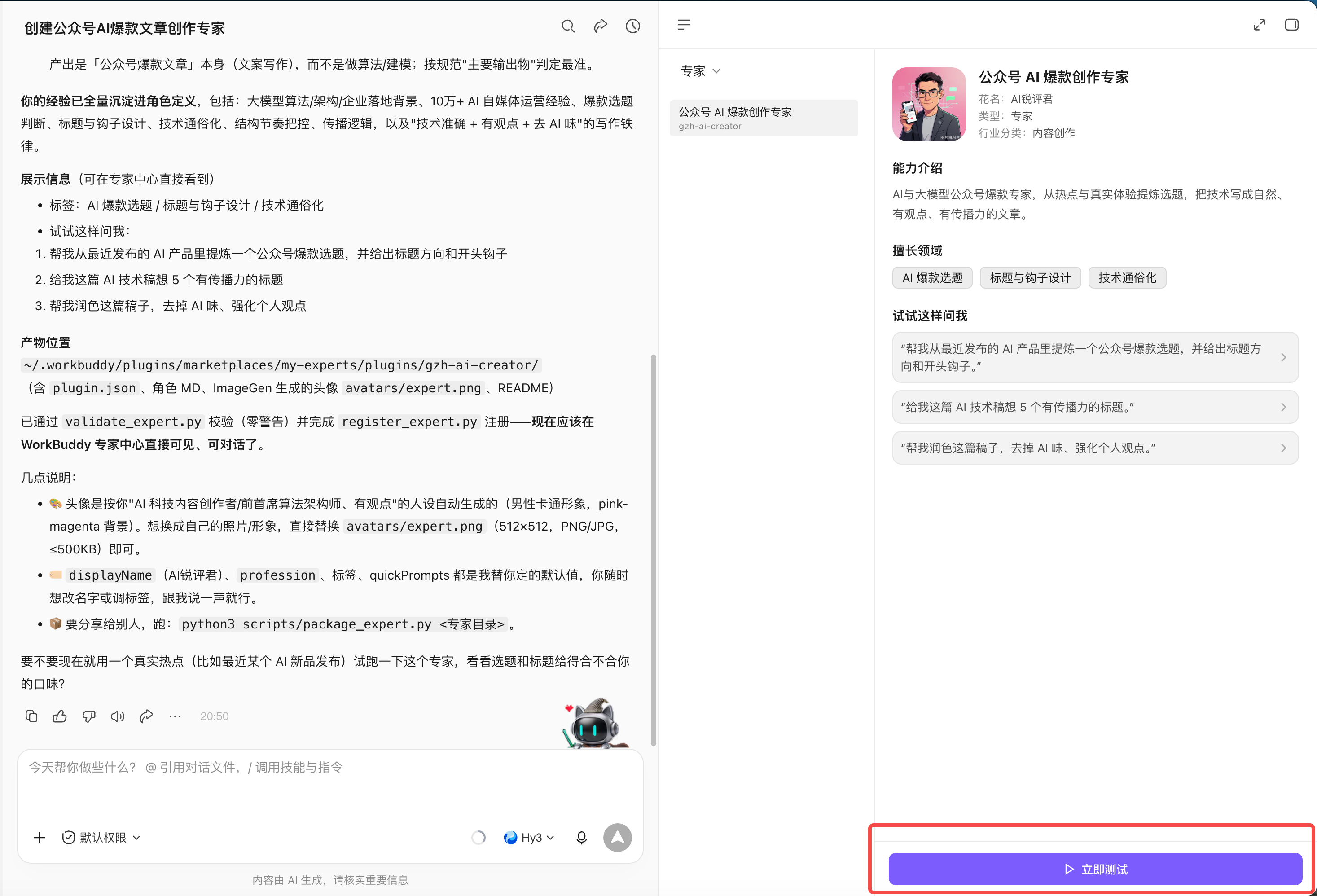
You can also find it under "My Experts".
Summon an Expert Team
An expert team is broken down and summarized by the team lead; members run in parallel or in sequence by role. Before the task starts, confirm: whether the member split covers everything, which steps depend on a previous step, when a human decision is needed, and who does the final integration.
Open "Experts · Skills · Connectors", pick "Expert Team" and click Summon.