Chapter 7 — Using Connectors in WorkBuddy
MCP stands for Model Context Protocol, an open standard launched and open-sourced by Anthropic at the end of 2024. It has become one of the hottest pieces of AI infrastructure.
In plain terms: MCP is the "USB-C port" of the AI world.
Why Do We Need MCP?
In the past, if you wanted an AI assistant (Agent) to connect external tools (like GitHub, the local file system, a PostgreSQL database, Slack, etc.), developers had to write dedicated glue code for "every AI app" and "every tool". With 10 AI apps and 10 tools, you'd need 100 integrations (an N × M nightmare).
With MCP, a tool developer only needs to build one "MCP Server" per the MCP standard (like a USB-C device), and any MCP-supporting AI app (Cursor, various Agent frameworks) only needs a built-in "MCP Client" (like a USB-C port) to plug and play. This turns N × M complexity into N + M.
Core Features of MCP
- A unified standardized protocol (no more reinventing the wheel)
MCP provides a general spec (based on JSON-RPC). Whether reading local files, querying a database, or calling a third-party SaaS API, the AI can understand and invoke through one protocol logic. This dramatically lowers the bar for tool integration in Agent development, letting developers focus on the Agent's core logic instead of tedious API glue.
- Three core capabilities
MCP not only lets AI "do things", it also lets AI "see data" and "follow a playbook". It standardizes three core primitives:
Tools: let AI take actions — e.g. run a piece of code, create a Jira task, write to a database.
Resources (context): let AI read external data — e.g. fetch a Git repo's file list, query a specific chunk from a vector database, to use as context for answering.
Prompts (prompt templates): provide predefined interaction templates so users or AI can trigger specific complex workflows in a standard way.
C/S architecture and high decoupling. MCP uses a client-server architecture:
- MCP Host: the AI host app you use (IDE, Agent platform).
- MCP Client: the component inside the Host that maintains a 1:1 connection with a Server.
- MCP Server: a lightweight standalone program that exposes a specific tool or data capability.
This decoupling means you can swap the underlying large model anytime, or add new data sources anytime, without rebuilding the whole Agent system.
- Local-first and security (privacy-friendly)
MCP supports communication via local stdio or local HTTP. This means your MCP Server can run entirely on your local computer. Sensitive data (local code, private database contents, e-commerce backend data) doesn't need to be uploaded to third-party cloud servers; the AI model only gets the necessary context when it needs to reason, which greatly improves data security for enterprise use.
Load a Connector
Currently supports QQ Mail, Tencent Docs, Tencent Lexiang, Tencent Meeting, TAPD and other connectors.
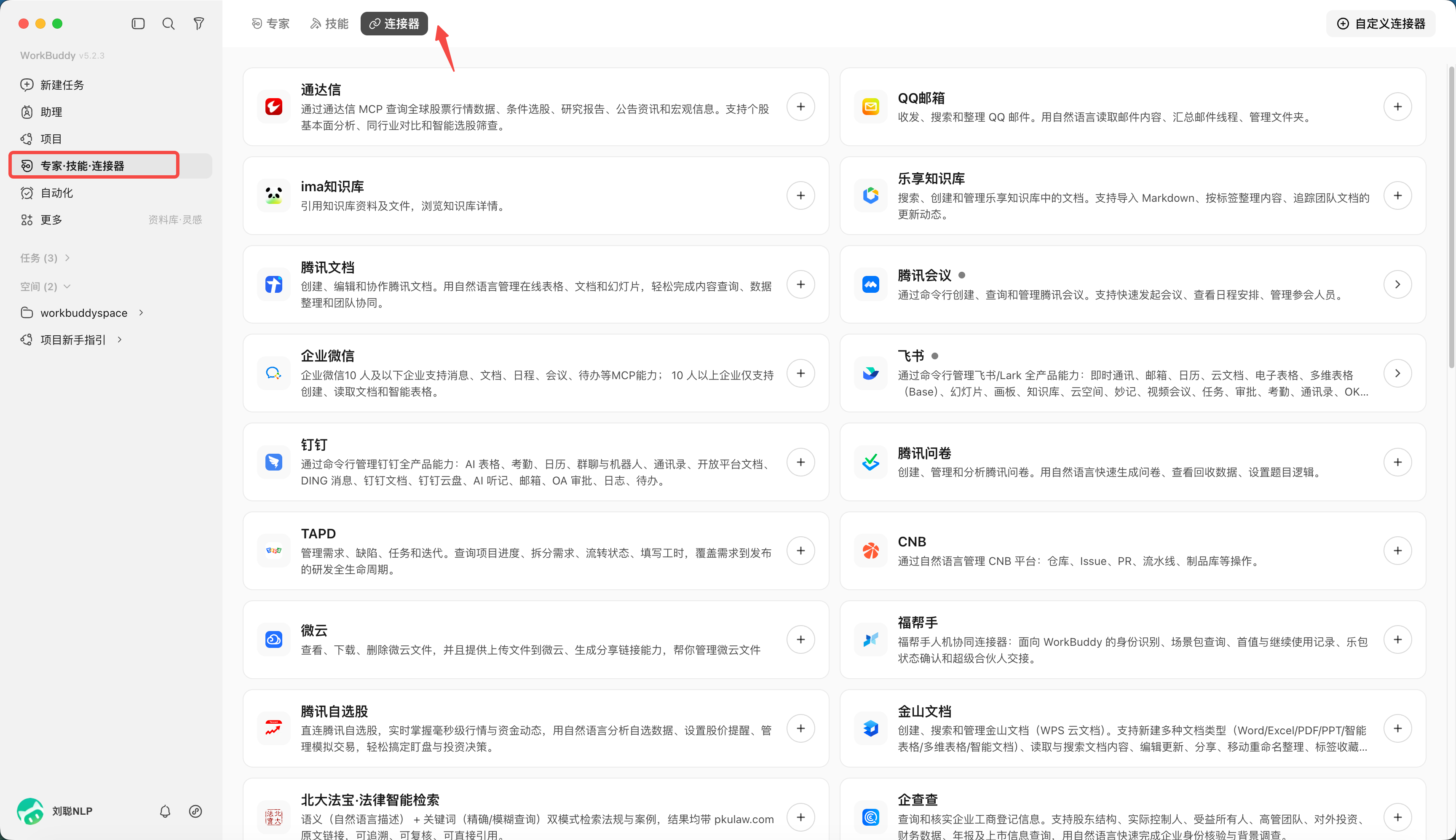
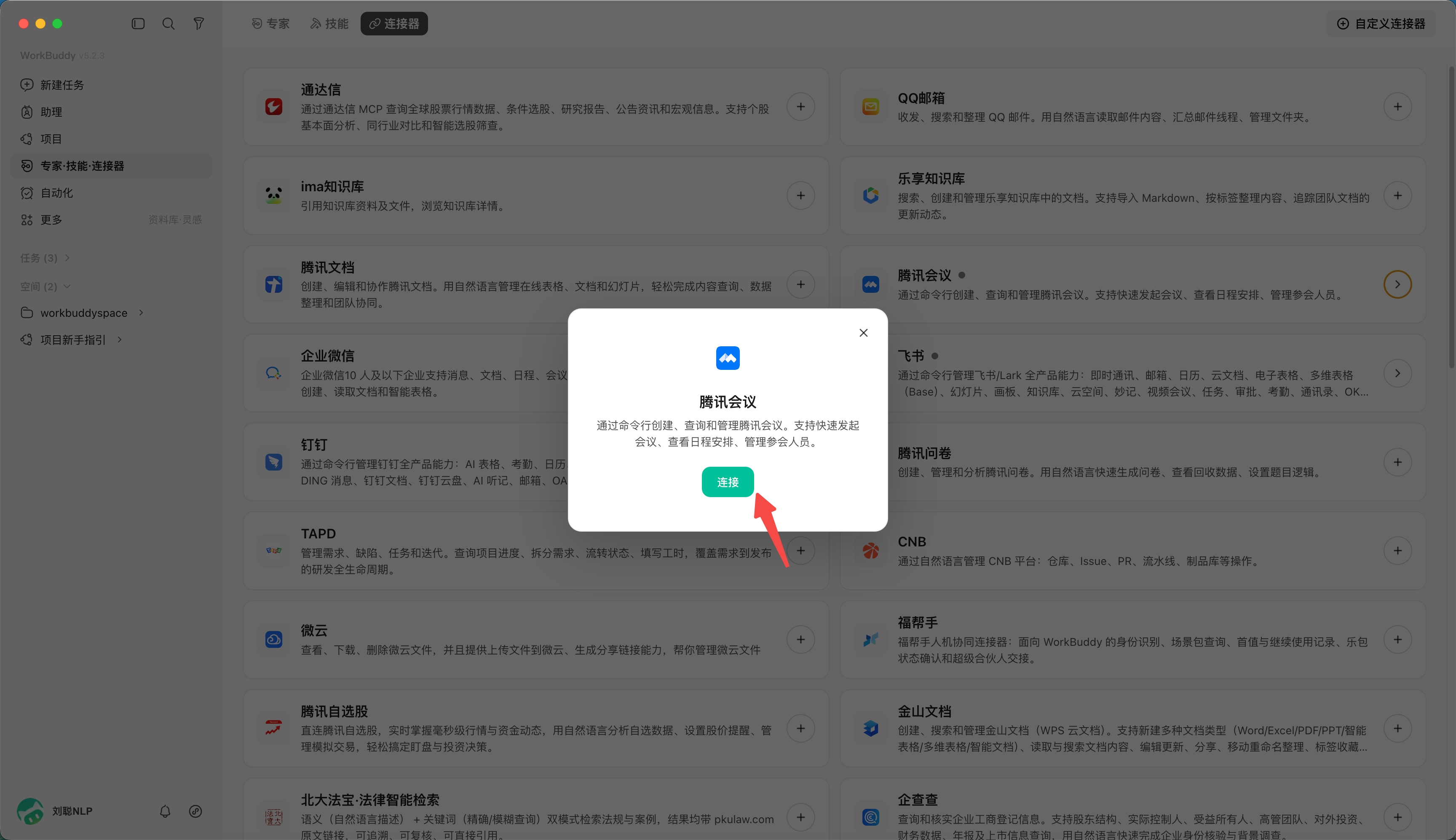
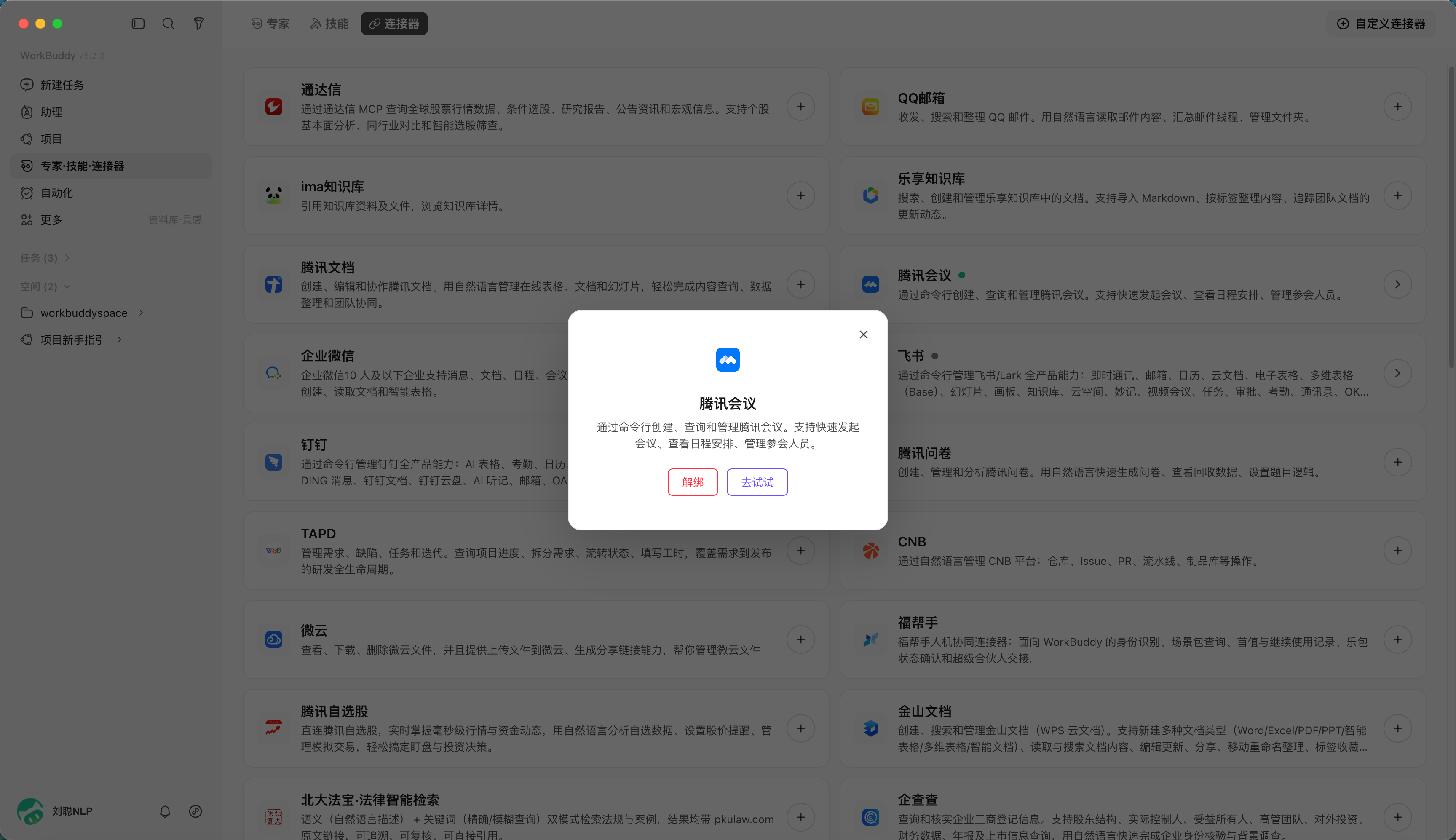
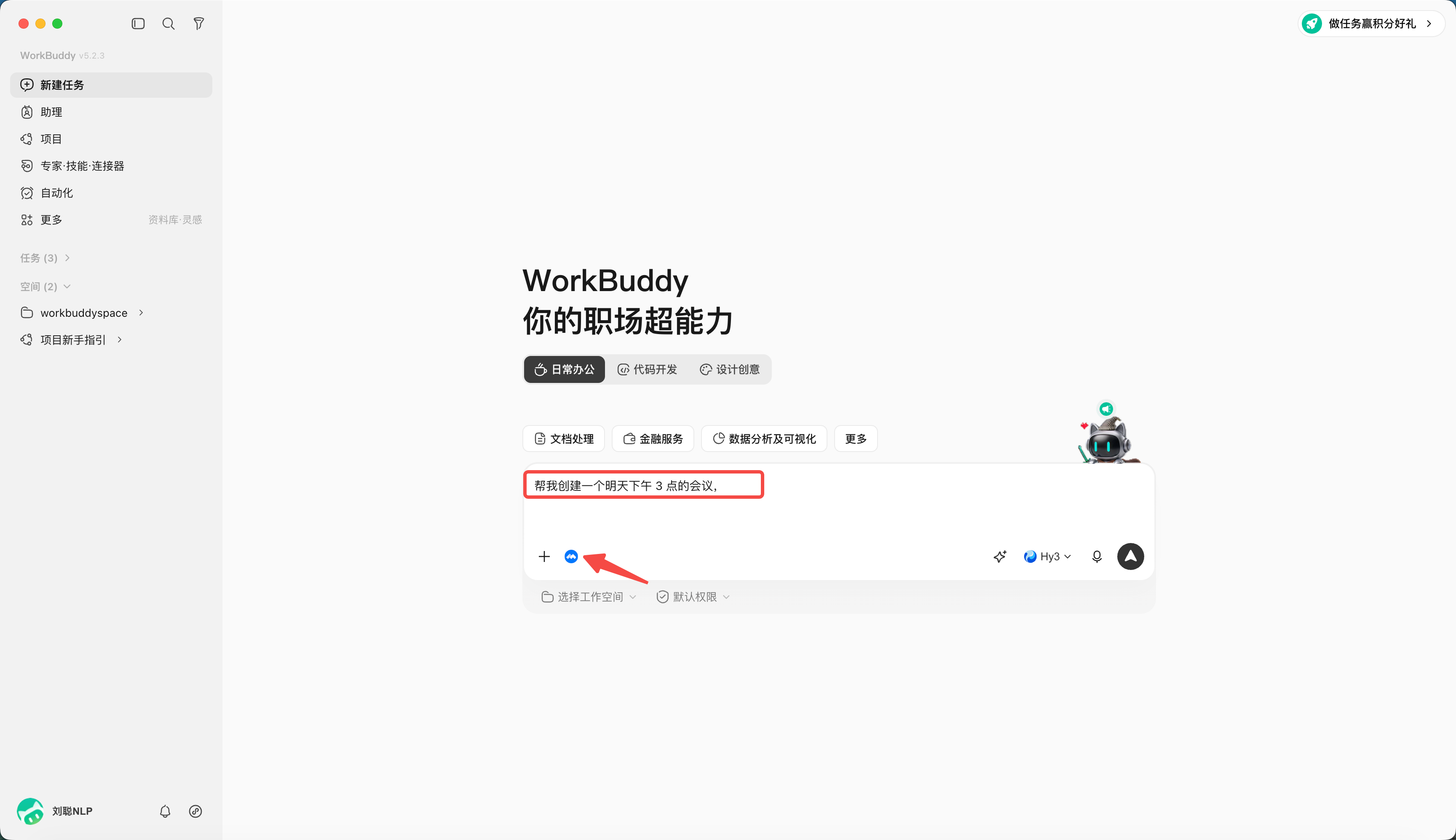
For example, load the Tencent Meeting connector.
Create a Task
Help me create a meeting for tomorrow at 3 p.m.
Topic "Project discussion", 1 hour.
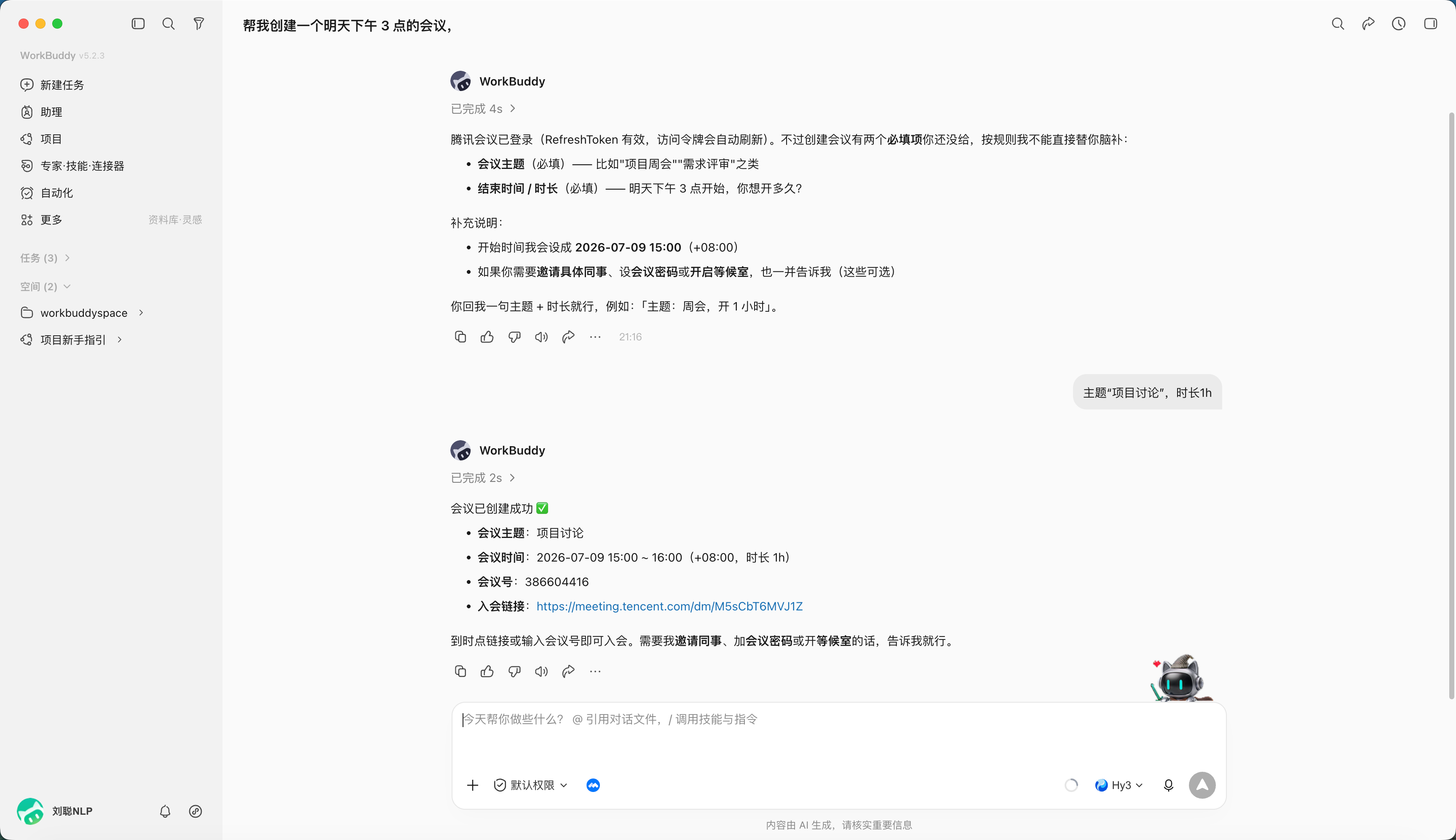
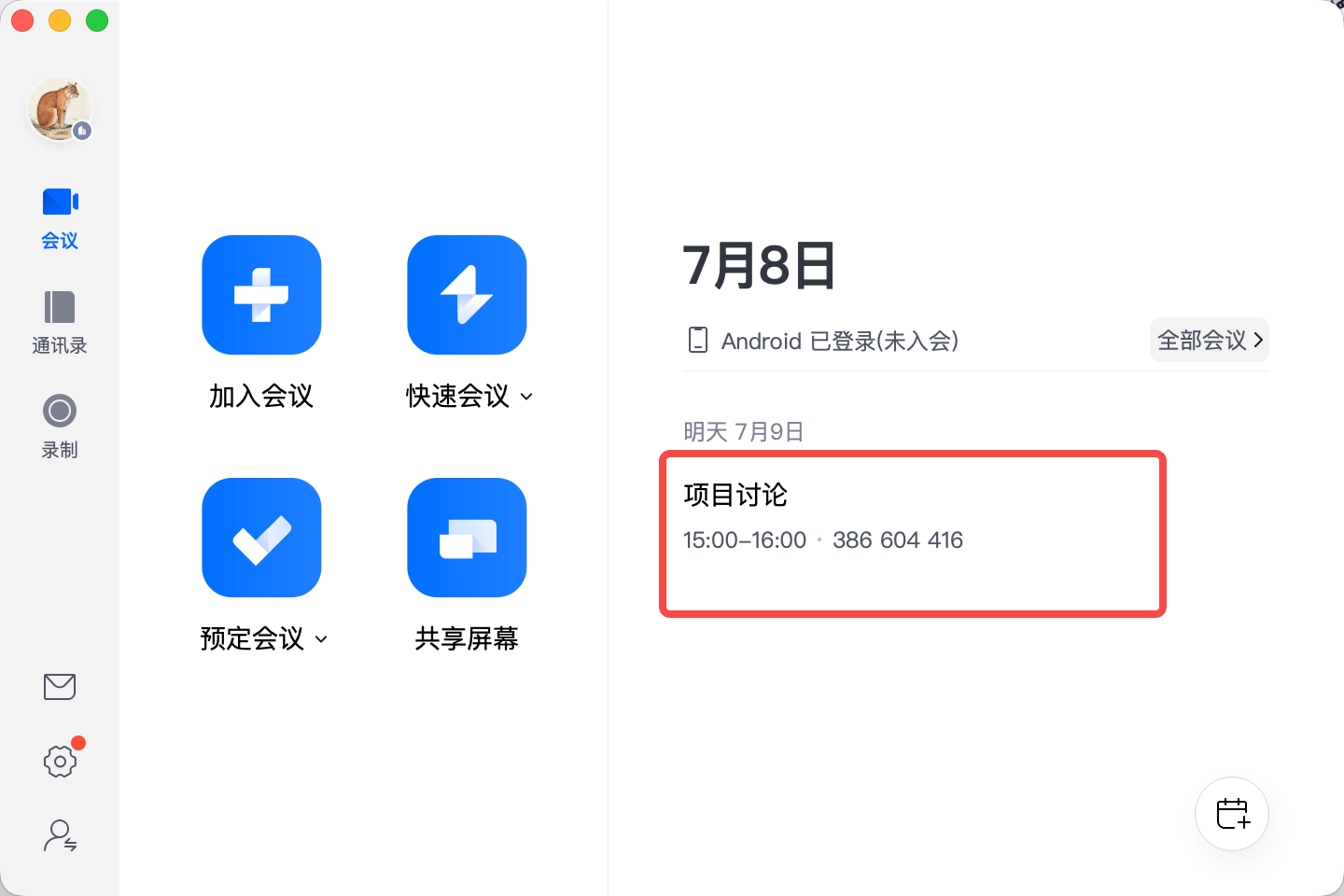
Created.
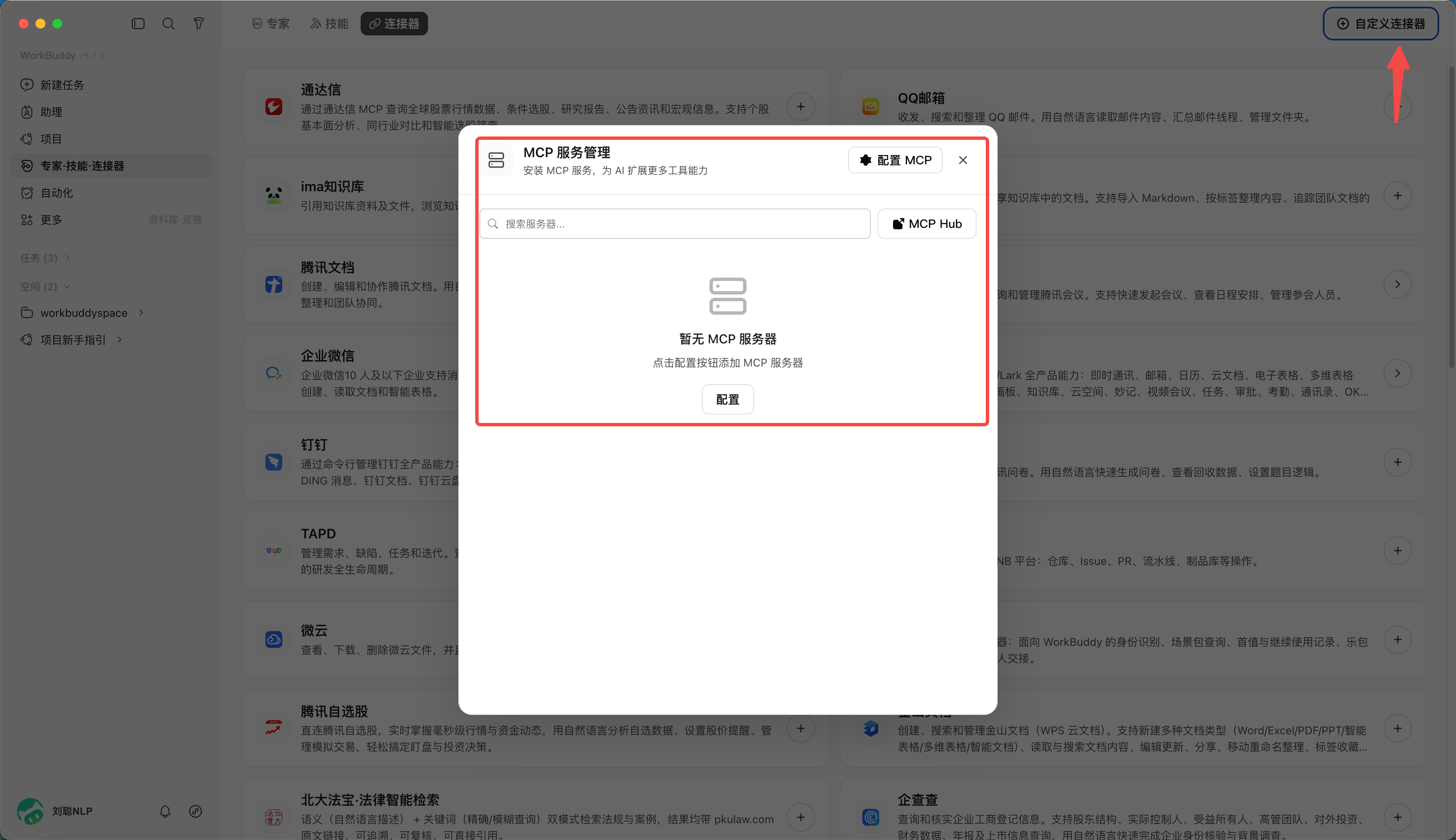
Create a New Connector
In the top-right of the connector management page, click "Custom Connector" and follow the guide to configure the MCP (service address, auth method). Note: the access scope of a custom connector is set by you.